
A battle to watch
A map does not need a script to be fun to look at. This tutorial builds a small battle from the editor alone: a village, a road, a defending hero and an undead army coming down it. You press Play and watch units march, fight and die.
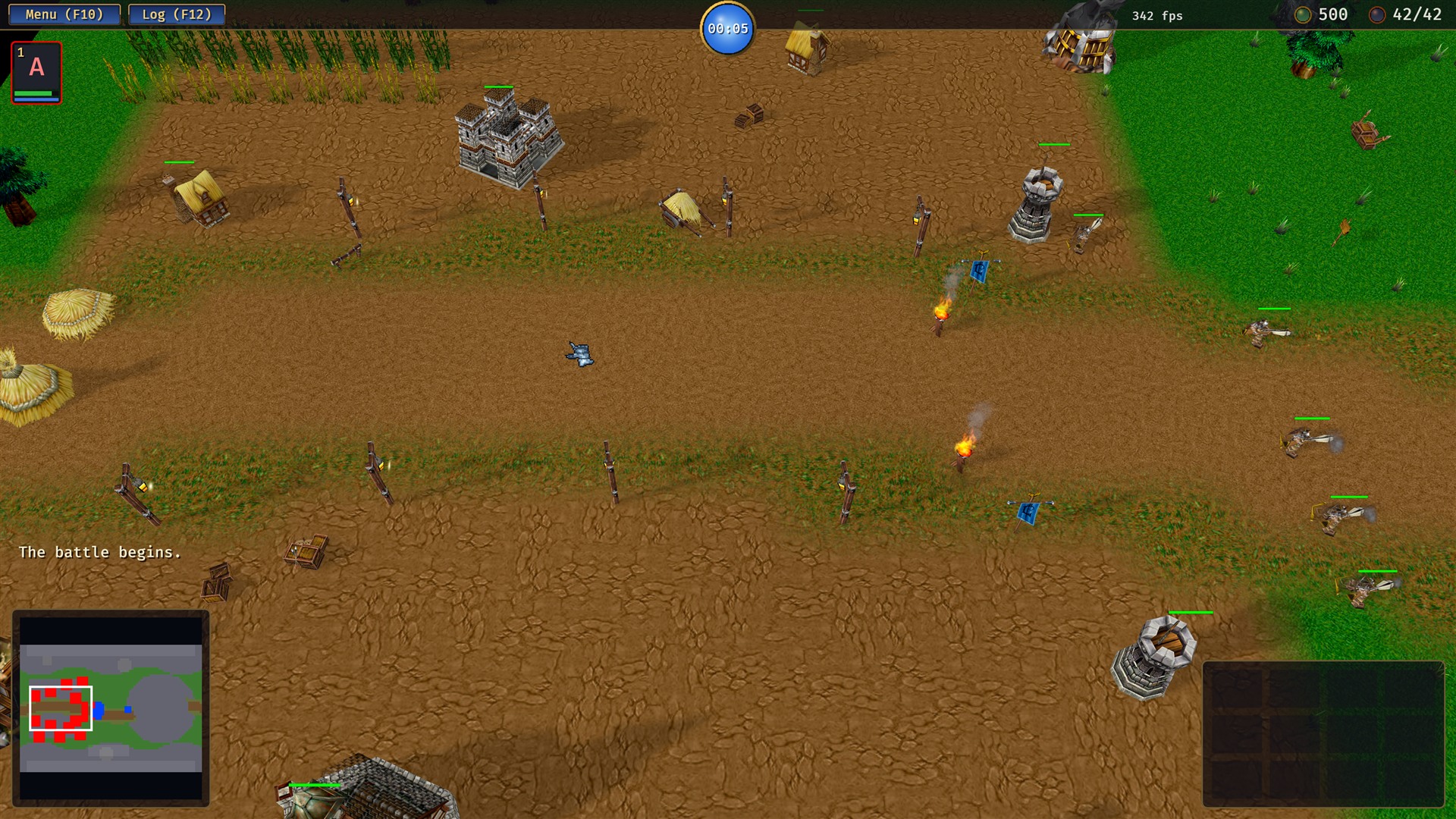
You need the models from Units from Warcraft III models: a hero, two kinds of defender, a few attackers, some buildings, trees and rocks. Any MDX files work the same way.
1. The ground
Open Terrain (Ctrl 1). Paint a large area with a grass tile first, then pick a dirt tile and paint a yard for the town and a winding road leading out of it. A third tile, such as the blight, marks the enemy's side. Use a small brush at the edges where tiles meet and a bigger one inside, so the borders blend. Raise a ridge along the north and south edges to keep the fight in a lane.
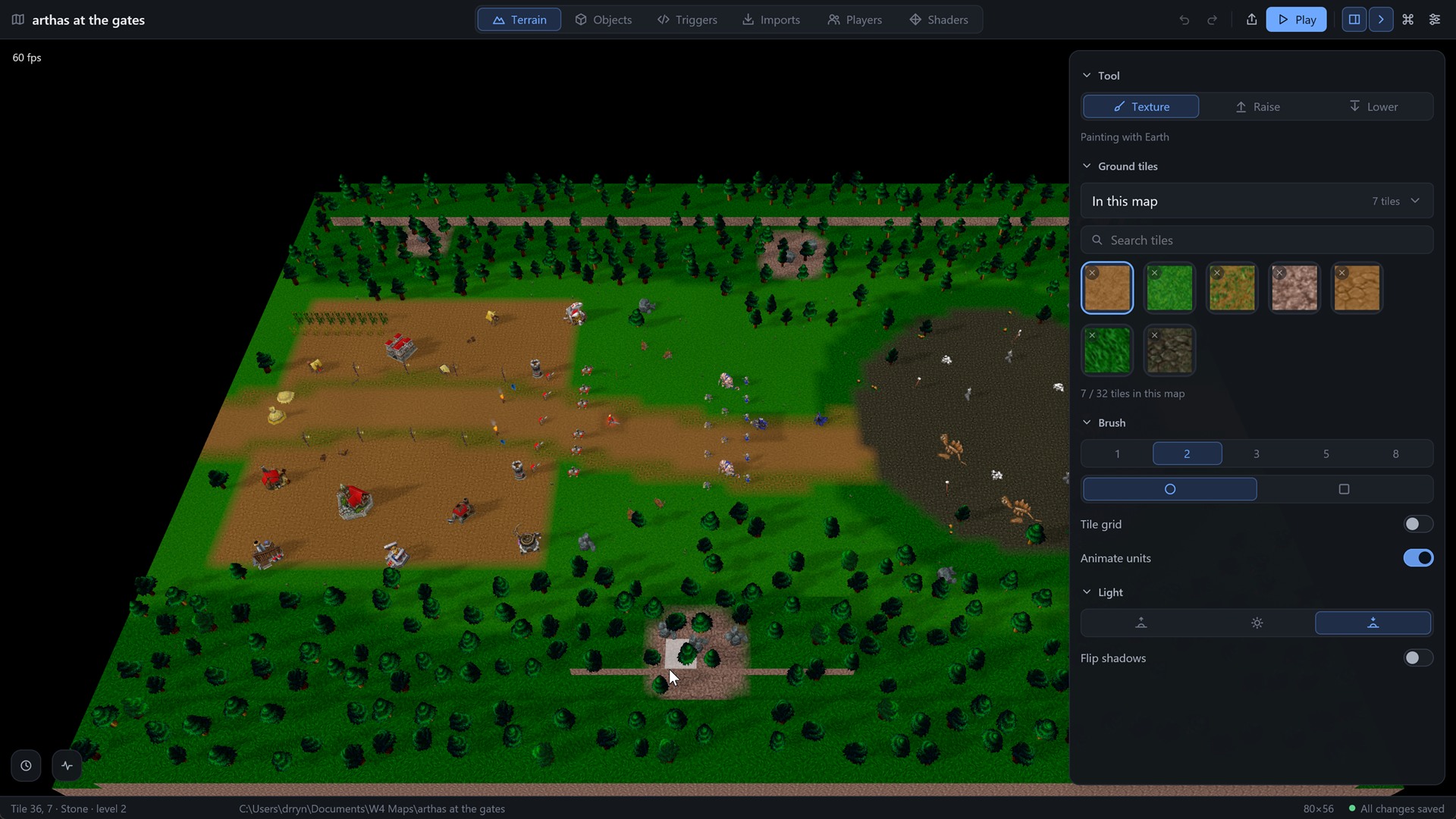
Set the sun to evening in the Terrain panel: the long shadows do more for the look than any texture.
2. Definitions
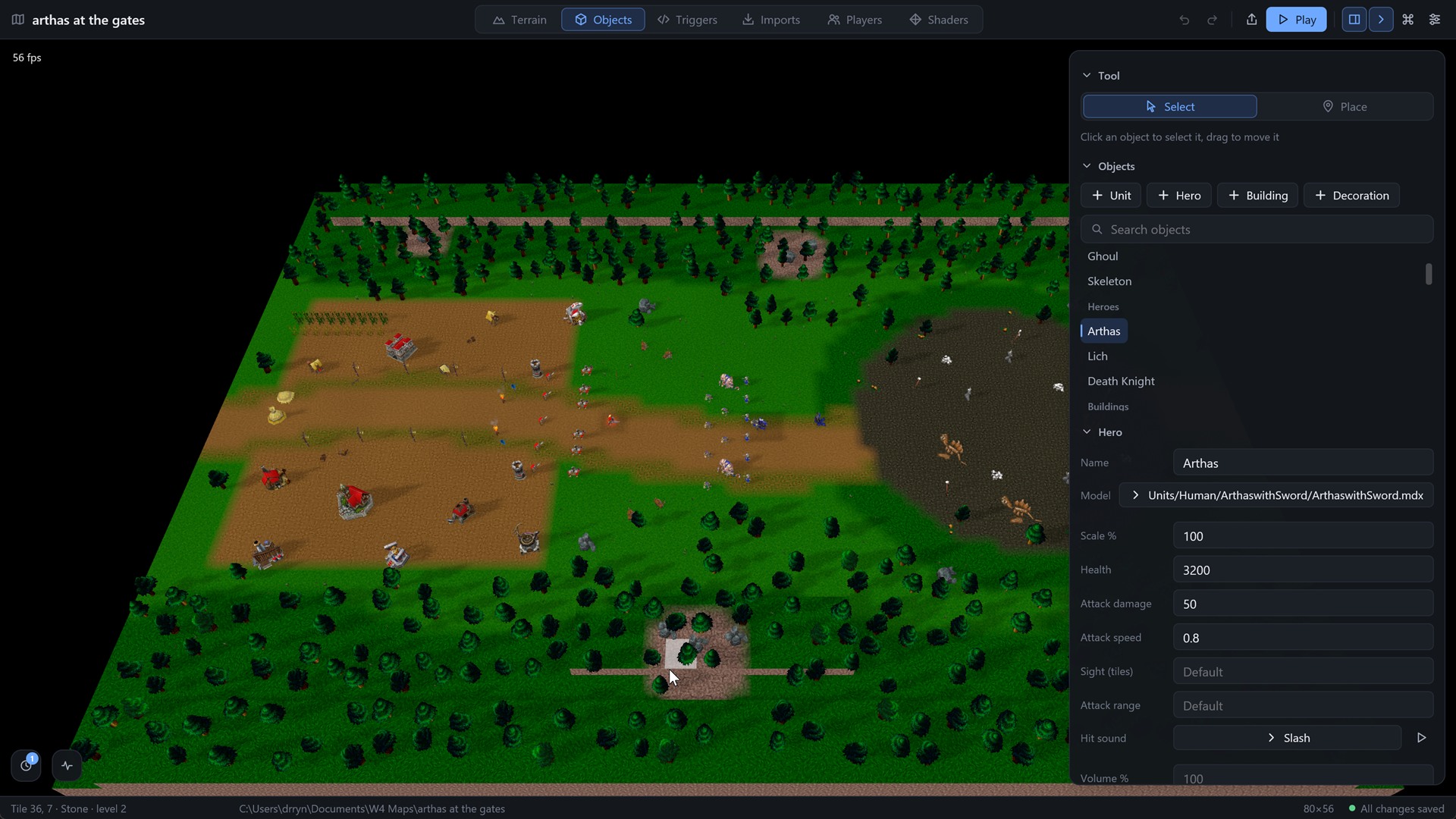
In Objects (Ctrl 2) make a definition for each thing you will place with + Unit, + Hero, + Building and + Decoration: pick the model, then set health, attack damage and speed. A hero with a lot of health and damage, defenders with a ranged attack, and attackers that are tough but slow make a fight that lasts long enough to watch. Give each unit a hit sound so blows are heard.
3. Place it
Switch the tool to Place, choose a definition and click in the view. A few rules that make a map read well:
- Put buildings in clusters with props between them (crates, carts, braziers, banners) rather than in a grid.
- Plant trees in belts and groves, thick at the edges of the map and thin near the town, and put rocks where the ground changes.
- Give the defenders player 1 and the attackers player 2; the owner decides who fights whom.
- Stagger the army: heavy units in front, light ones behind.
4. Play
Press Play in the top bar. The engine starts the map and the two sides meet on the road. Click the hero's portrait in the corner to select it; the unit panel shows health, mana, damage and speed, and the command card shows Move, Stop and Attack.
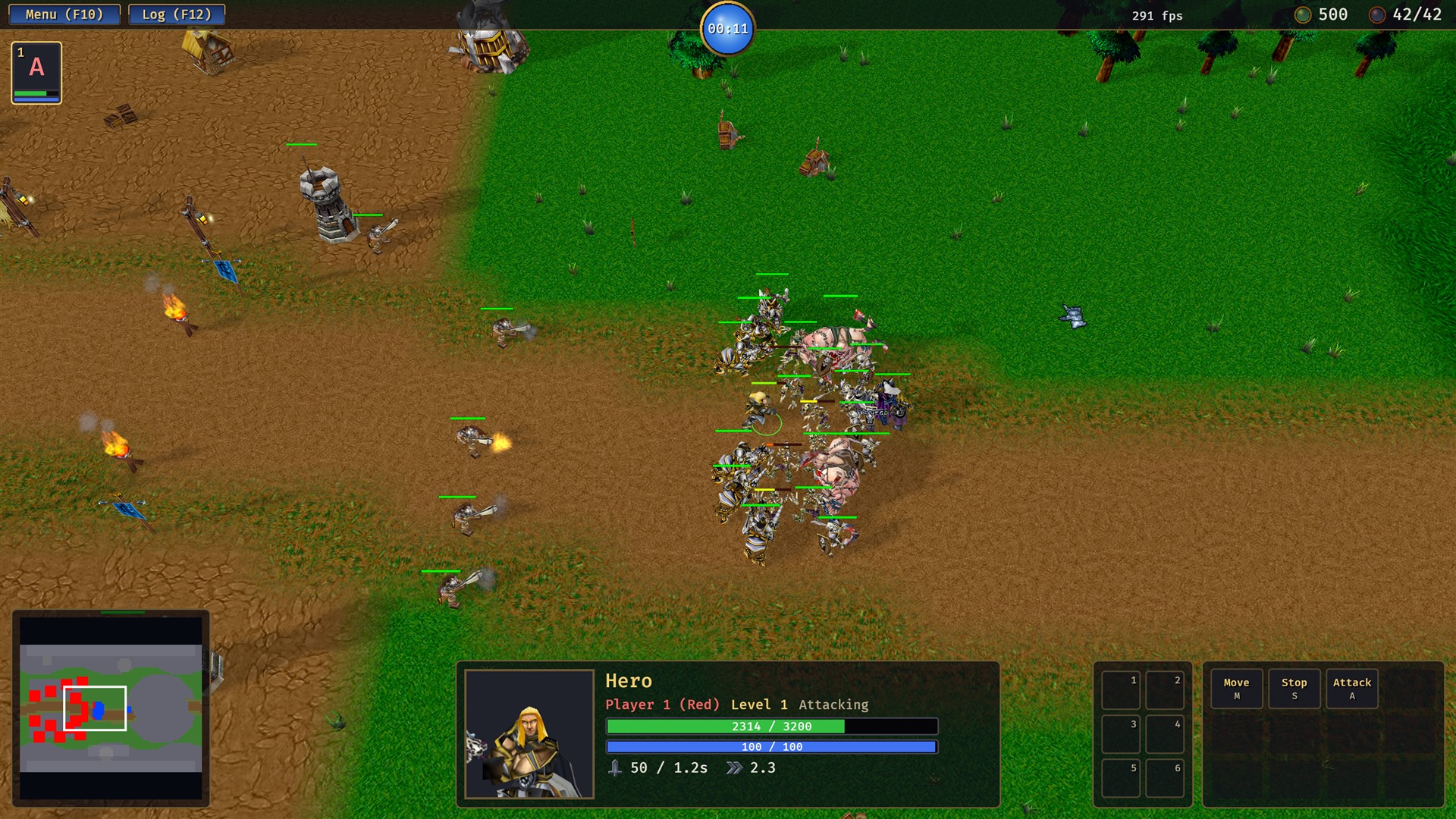
Right-click the ground to move, or right-click an enemy to attack it. See Controls for the rest.
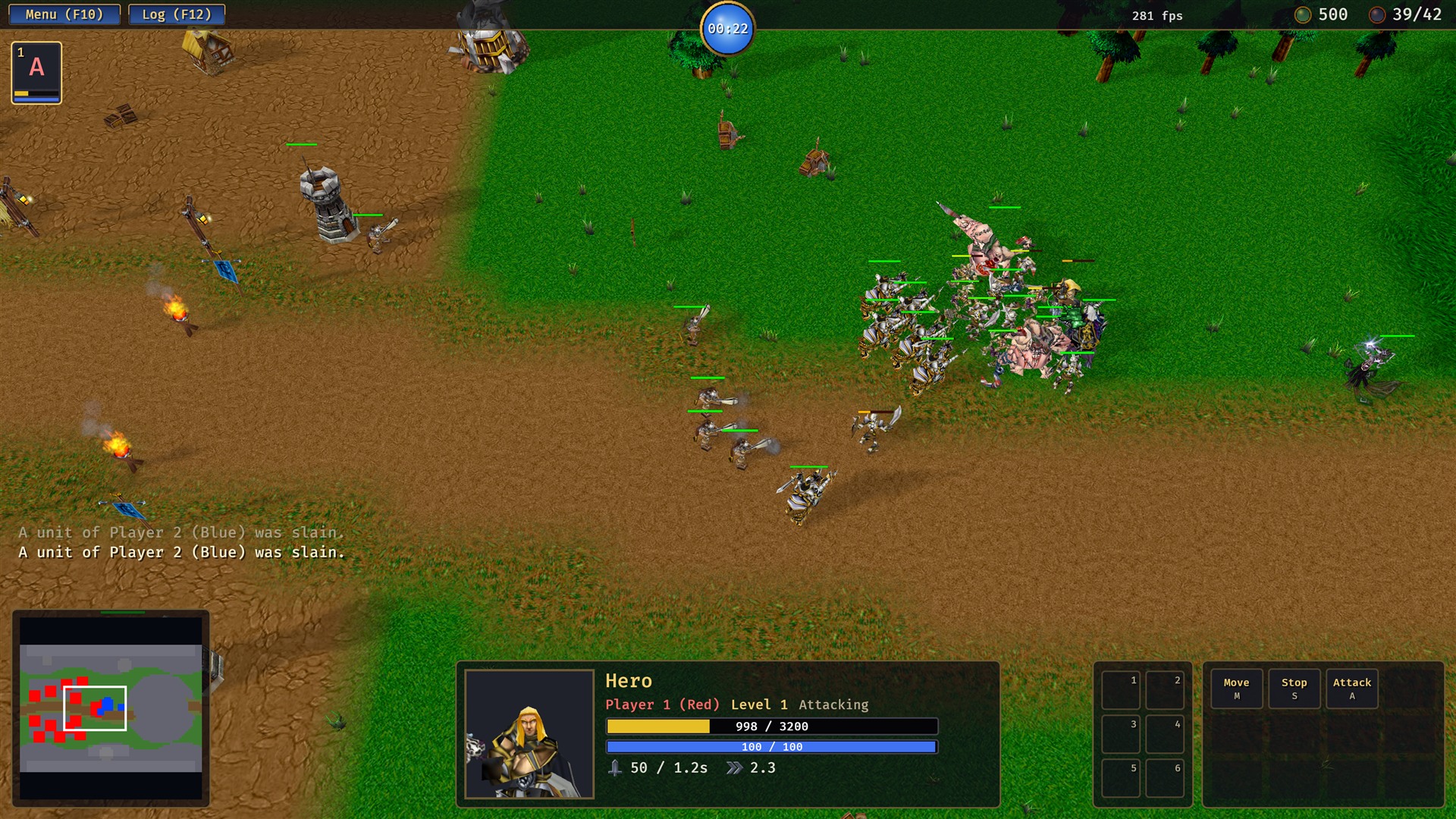
Each death adds a line to the message log, and the supply count at the top right goes down.
Make it a game
A fight that always ends the same way is a demo. Add a script to turn it into a map: a wave spawner for endless attackers, or a quest and score on the screen.